
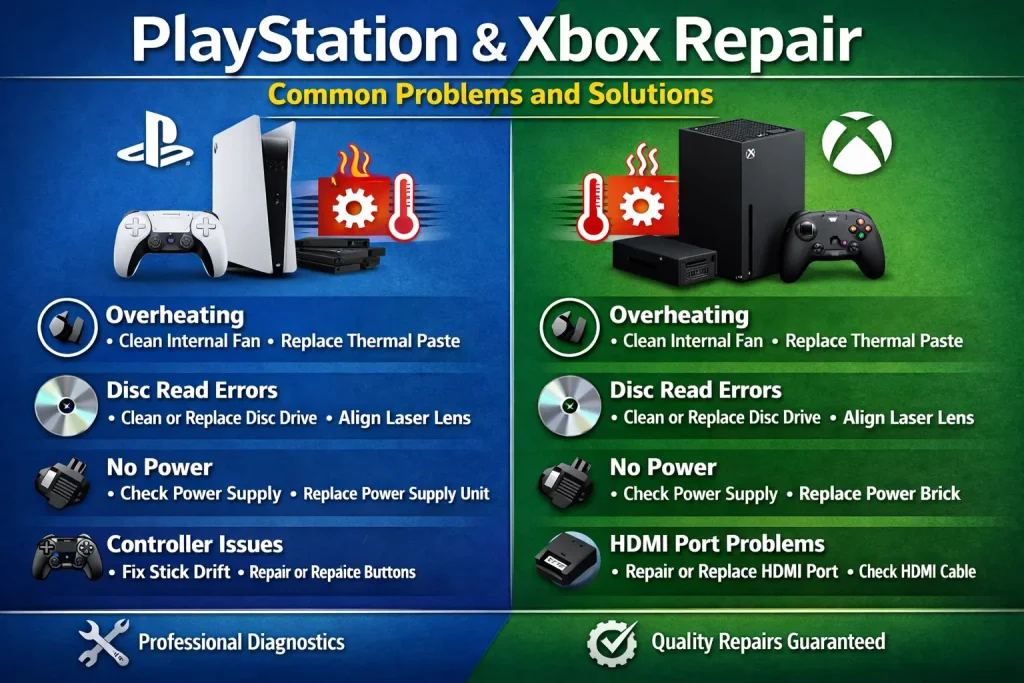
Gaming should be smooth, immersive, and stress-free. However, nothing kills the vibe faster than a console that won’t turn on, keeps overheating, or refuses to read discs.
If you’ve faced this, you’re not alone. Thousands of gamers deal with PlayStation and Xbox issues every day.
The good news? Most problems are fixable—either at home or with expert help like Creative-IT.
In this guide, you’ll learn the most common PlayStation and Xbox problems, their causes, and practical solutions you can apply right away.
Table of contents
- Quick Summary
- Why Do PlayStation & Xbox Consoles Fail?
- 9 Common PlayStation & Xbox Problems (With Solutions)
- Comparison Table: DIY Fix vs Professional Repair
- When Should You Choose Professional Repair?
- Preventive Tips to Avoid Console Damage
- Engagement Boost: Pro Gamer Tips
- Why Choose Creative-IT for Console Repair?
- FAQ
- Conclusion
Quick Summary
- Overheating, no power, and disc errors are the most common issues
- Many problems can be fixed with cleaning, updates, or resets
- Hardware failures may require professional repair
- Preventive maintenance can extend console life by years
Why Do PlayStation & Xbox Consoles Fail?
Before jumping into fixes, it’s important to understand why issues happen.
Most console problems occur due to:
- Dust buildup blocking airflow
- Overheating from long gaming sessions
- Software glitches or outdated firmware
- Physical damage (drops, liquid spills)
- Wear and tear of internal components
Because of this, regular maintenance becomes essential.
9 Common PlayStation & Xbox Problems (With Solutions)
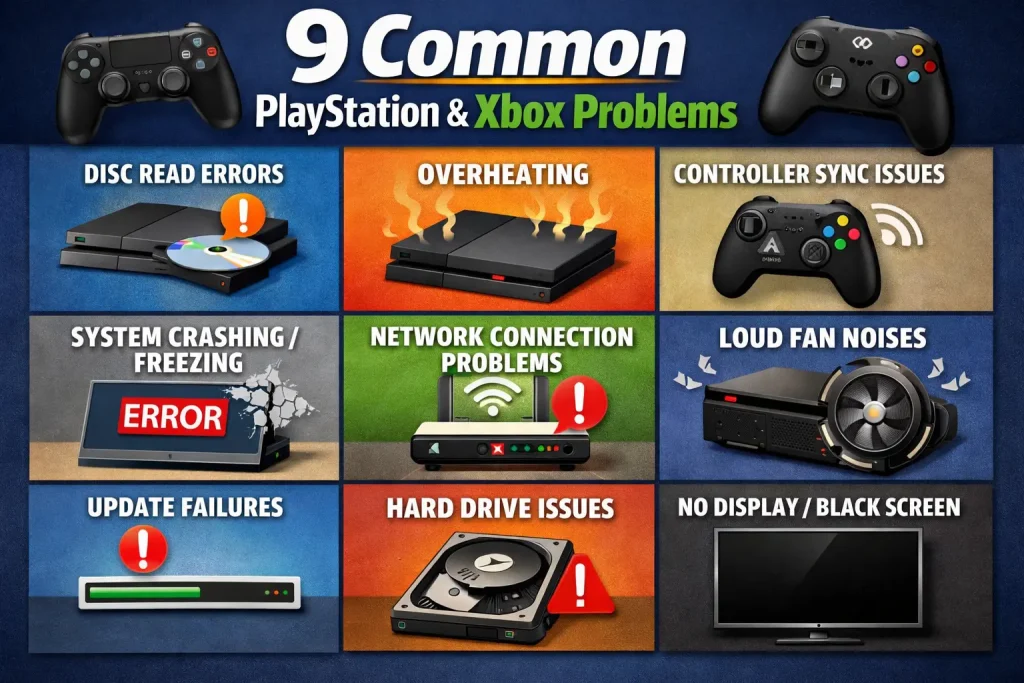
1. Console Not Turning On
This is one of the most frustrating issues.
Possible Causes:
- Faulty power cable
- Power supply failure
- Internal motherboard issue
Solutions:
- Try a different power cable
- Plug into another outlet
- Perform a power reset
- If it still doesn’t work, you may need professional repair.
2. Overheating Issues
Overheating can slow performance and damage internal parts.
Signs:
- Loud fan noise
- Sudden shutdowns
- Console feels hot
Fix:
- Clean air vents
- Keep console in a ventilated area
- Avoid long continuous sessions
Professional deep cleaning (like at Creative-IT) can solve severe cases.
3. Disc Not Reading
Causes:
- Dirty lens
- Scratched disc
- Faulty disc drive
Solutions:
- Clean the disc
- Restart console
- Use lens cleaning kit
If the issue continues, the disc drive may need replacement.
4. HDMI Port Not Working
No display? This is likely the issue.
Symptoms:
- Blank screen
- Flickering display
Fix:
- Try another HDMI cable
- Use a different TV port
- Inspect for bent pins
- HDMI port repair is a common professional service.
5. Controller Not Connecting
Causes:
- Bluetooth interference
- Firmware issues
- Battery problems
Fix:
- Reset controller
- Use USB cable to reconnect
- Update firmware
6. System Freezing or Lagging
Causes:
- Full storage
- Software bugs
- Corrupted files
Solutions:
- Delete unused games
- Update system software
- Rebuild database
7. Internet Connectivity Problems
Fix:
- Restart router
- Use wired connection
- Check network settings
8. Strange Noises (Fan or HDD)
Causes:
- Dust buildup
- Worn-out fan
- Hard drive failure
Solution:
- Clean console internally
- Replace faulty parts
9. Software Crashes & Errors
Fix:
- Update firmware
- Reinstall game
- Factory reset (last option)
Comparison Table: DIY Fix vs Professional Repair
| Problem | DIY Fix Possible | Professional Repair Needed | Difficulty Level |
|---|---|---|---|
| Overheating | Yes | Sometimes | Easy |
| No Power | Limited | Yes | Hard |
| Disc Issues | Yes | Sometimes | Medium |
| HDMI Port Damage | No | Yes | Hard |
| Controller Issues | Yes | Rare | Easy |
| Software Errors | Yes | No | Easy |
When Should You Choose Professional Repair?
Although DIY fixes can save money, some situations require experts.
Choose professional repair if:
- Console won’t turn on at all
- HDMI port is damaged
- Internal components need replacement
- Problem keeps coming back
Trusted services like Creative-IT ensure safe and long-lasting repairs.
Preventive Tips to Avoid Console Damage
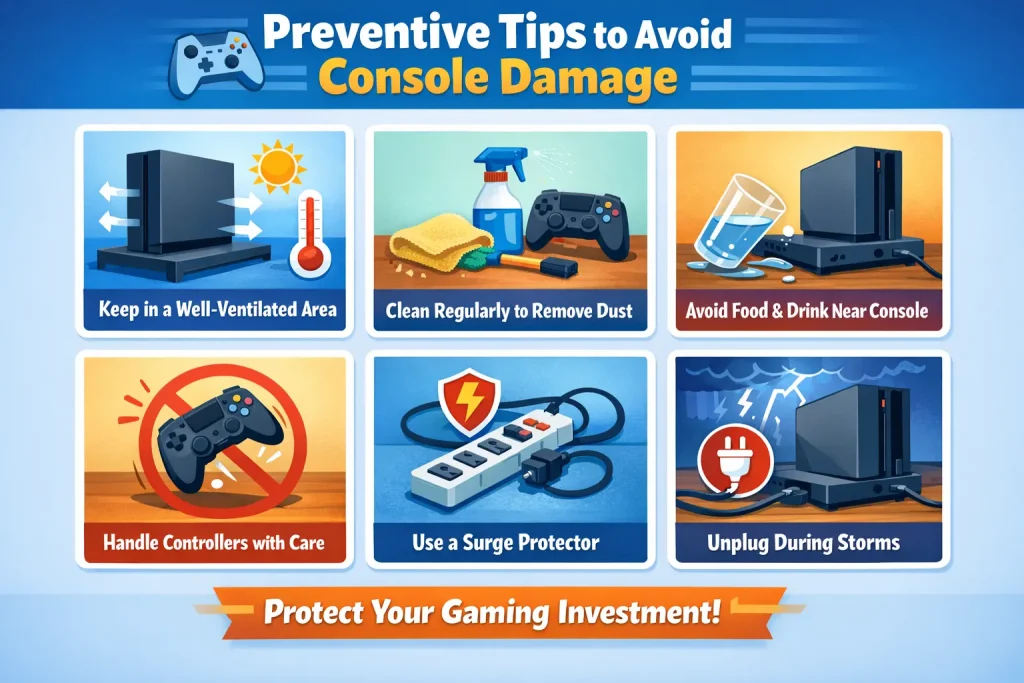
Prevention is always better than repair.
Follow these tips:
- Clean your console every 2–3 months
- Keep it in a cool, ventilated area
- Avoid overcharging controllers
- Use surge protectors
- Update software regularly
Engagement Boost: Pro Gamer Tips
- Use SSD upgrades for better performance
- Avoid placing consoles on carpets
- Never unplug during updates
These small habits can dramatically increase console lifespan.
Why Choose Creative-IT for Console Repair?
When it comes to PlayStation & Xbox repair, experience matters.
At Creative-IT, you get:
- Expert technicians
- Fast turnaround time
- Affordable pricing
- Genuine parts
Because of this, your console stays safe and performs like new.
FAQ
Repair costs vary depending on the issue. Minor fixes may cost less, while hardware replacements can be more expensive.
Yes, basic issues like overheating or connectivity problems can be fixed at home. However, hardware issues require professional help.
This usually happens due to dust buildup or poor ventilation. Cleaning and proper placement can solve it.
Yes, if the repair cost is significantly lower than buying a new one, it’s worth fixing.
With proper care, consoles can last 5–7 years or even longer.
Conclusion
PlayStation and Xbox issues are common—but they don’t have to ruin your gaming experience. With the right knowledge, you can fix many problems yourself. However, for serious issues, professional repair is the safest choice.
If your console is still giving you trouble, don’t wait. Get expert help from Creative-IT and bring your gaming setup back to life.
Your game shouldn’t stop—fix it today.
Read More: