
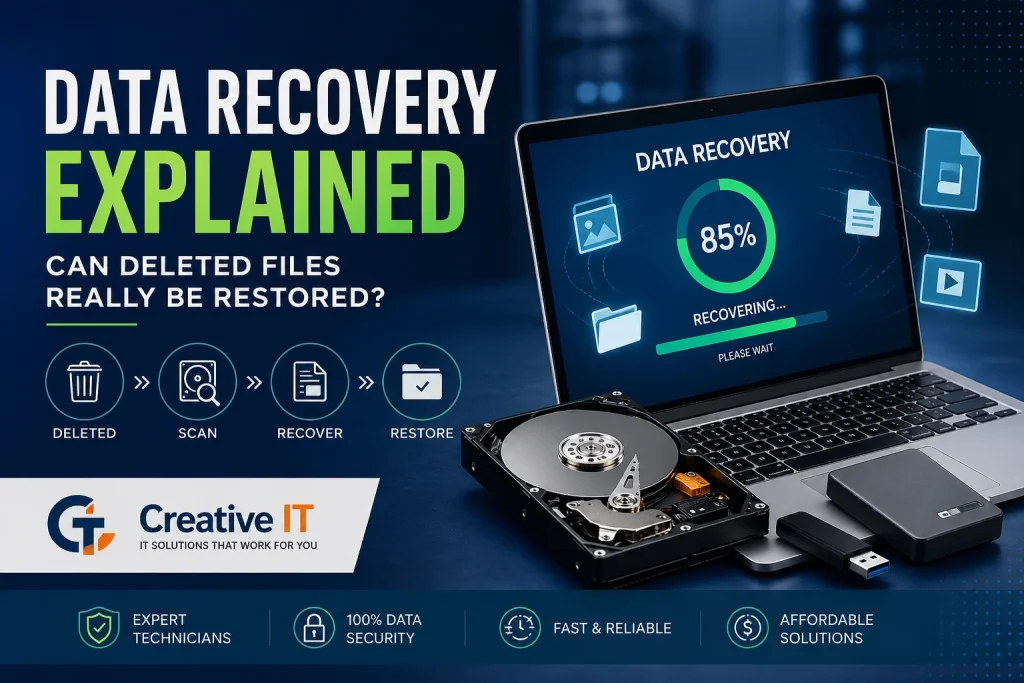
Losing important files can feel like a nightmare. Whether it’s family photos, business documents, or critical project files, accidental deletion can happen to anyone.
The good news is that, in many cases, deleted files can be restored. However, the success of data recovery depends on several factors, including the storage device, the cause of data loss, and how quickly you act.
In this guide, we’ll explain how data recovery works, when deleted files can be restored, and why professional services like Creative IT can help recover your valuable data safely and efficiently.
Table of contents
- What Is Data Recovery?
- Can Deleted Files Really Be Restored?
- How Does Data Recovery Work?
- Common Causes of Data Loss
- HDD vs SSD: Which Is Easier to Recover?
- Signs You Need Professional Data Recovery
- DIY Data Recovery: What You Can Try First
- What NOT to Do After Data Loss
- Why Choose Creative IT for Data Recovery?
- How to Prevent Future Data Loss
- FAQ’s
- Final Thoughts
What Is Data Recovery?
Data recovery is the process of retrieving lost, deleted, corrupted, or inaccessible files from storage devices such as:
- Hard Disk Drives (HDDs)
- Solid State Drives (SSDs)
- USB flash drives
- Memory cards
- External hard drives
- Smartphones and tablets
In simple terms, data recovery helps bring back files that seem “gone.”
Can Deleted Files Really Be Restored?
Yes, deleted files can often be restored—but not always.
When you delete a file, it usually doesn’t disappear instantly. Instead:
- The system removes the file reference from the file table.
- The storage space is marked as “available.”
- The actual file data remains until new data overwrites it.
Therefore, the sooner you attempt recovery, the higher your chances of success.
Example:
If you delete a Word document and then continue downloading files or installing software, the deleted file may get overwritten. As a result, recovery becomes difficult or impossible.
How Does Data Recovery Work?
The recovery process depends on the type of issue.
1. Logical Data Recovery
Logical damage occurs when the storage device is physically healthy, but the data becomes inaccessible due to:
- Accidental deletion
- Formatting
- Corrupted partitions
- Virus or malware attacks
- File system corruption
In these cases, recovery software scans the drive and rebuilds lost file structures.
2. Physical Data Recovery
Physical damage occurs when the device itself is damaged.
Examples include:
- Clicking hard drive sounds
- Water damage
- Fire damage
- Power surges
- Broken connectors
Professional technicians use cleanroom environments and advanced tools to repair the hardware and extract the data.
Common Causes of Data Loss
Here are the most common reasons people lose files:
| Cause of Data Loss | Description |
|---|---|
| Accidental Deletion | Files removed by mistake |
| Formatting | Drive formatted unintentionally |
| Virus/Malware | Malicious software corrupts files |
| Hardware Failure | HDD/SSD stops working |
| Power Failure | Sudden shutdown damages data |
| Water/Fire Damage | Physical destruction |
| OS Crash | Operating system failure |
Understanding the cause helps determine the best recovery method.
HDD vs SSD: Which Is Easier to Recover?
Data recovery differs greatly between HDDs and SSDs.
| Feature | HDD | SSD |
|---|---|---|
| Storage Method | Magnetic platters | Flash memory |
| Recovery Success Rate | Higher | Lower |
| Physical Recovery | Possible | Difficult |
| TRIM Feature | No | Yes |
Why SSD Recovery Is Harder
Most SSDs use a feature called TRIM. This automatically wipes deleted data blocks to improve performance. Consequently, once TRIM runs, recovery becomes much harder.
Signs You Need Professional Data Recovery
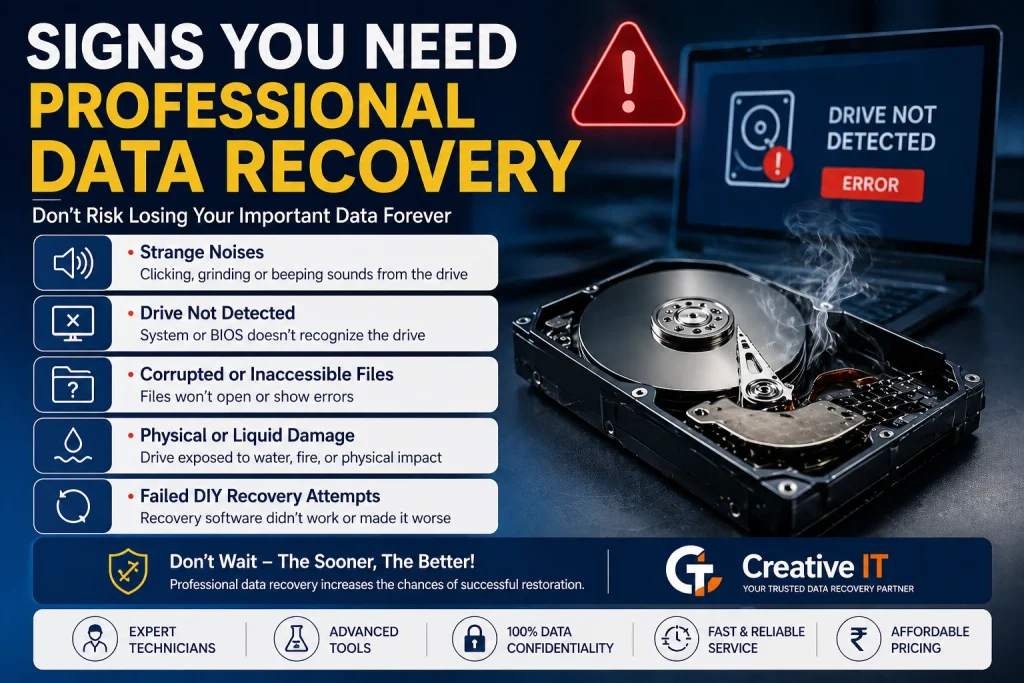
Sometimes, DIY tools are enough. However, in certain situations, professional help is necessary.
Contact experts like Creative IT if you notice:
- Clicking or grinding noises from a hard drive
- “Drive not detected” errors
- Corrupted or inaccessible partitions
- Water or fire damage
- Failed DIY recovery attempts
Professional recovery services increase the chance of safe restoration.
DIY Data Recovery: What You Can Try First
Before calling professionals, you can try these steps:
Step 1: Stop Using the Device
This prevents overwriting deleted files.
Step 2: Check the Recycle Bin
Many files can be restored instantly.
Step 3: Use Recovery Software
Popular tools include:
- Recuva
- EaseUS Data Recovery Wizard
- Disk Drill
- Stellar Data Recovery
Step 4: Restore from Backup
Check cloud backups or external storage.
What NOT to Do After Data Loss
Avoid these mistakes:
- Do not install recovery software on the same drive
- Do not save recovered files to the same drive
- Do not open a physically damaged drive
- Do not repeatedly restart failing hardware
These actions can reduce recovery chances.
Why Choose Creative IT for Data Recovery?
Creative IT offers professional and reliable data recovery solutions.
Benefits of Choosing Creative IT:
- Expert technicians
- Advanced recovery tools
- Support for HDD, SSD, USB, and memory cards
- Safe and confidential process
- Affordable pricing
- Fast turnaround time
Whether your files were deleted accidentally or your drive is physically damaged, Creative IT can help.
How to Prevent Future Data Loss
Prevention is always better than recovery.
Follow these best practices:
- Back up files regularly
- Use cloud storage
- Install antivirus software
- Avoid sudden power loss with a UPS
- Handle drives carefully
- Monitor drive health
By following these tips, you can reduce the risk of losing important files.
FAQ’s
Yes, permanently deleted files can often be recovered unless overwritten.
In many cases, yes. Quick formatting usually leaves data intact.
Yes, but it is more difficult due to TRIM technology.
It depends on the damage. It can take a few hours to several days.
The cost depends on the complexity of the issue and the device type.
Final Thoughts
So, can deleted files really be restored? In many cases, yes. However, success depends on acting quickly and using the right recovery method. While DIY software can solve minor issues, professional services are often the safest choice for severe data loss.
If you need expert help, Creative IT provides trusted data recovery services to recover your valuable files securely.
Don’t wait too long every second matters when it comes to data recovery!