
Smartphones have become an essential part of daily life. From work emails to online banking, we rely on them for almost everything. However, like any device, phones can develop problems over time. Ignoring early warning signs can turn a small repair into a costly replacement.
If you notice unusual behavior in your device, it may be time to act. In this guide, we explain 10 clear signs your phone needs immediate repair and why addressing them early can save you money and stress.
If you are based in Ireland, Creative IT in Mullingar offers professional phone diagnostics and repair services to help restore your device quickly and safely.
Table of contents
- Why Early Phone Repair Matters
- 1. Battery Drains Extremely Fast
- 2. Phone Overheats Frequently
- 3. Cracked or Unresponsive Screen
- 4. Apps Keep Crashing
- 5. Charging Problems
- 6. Phone Restarts Randomly
- 7. Poor Call Quality or Microphone Issues
- 8. Storage Is Always Full (Even After Deleting Files)
- 9. Camera Stops Working Properly
- 10. Phone Becomes Extremely Slow
- Quick Warning Signs Checklist For Phones
- When to Repair vs Replace Your Phone
- Professional Phone Repairs in Mullingar, Ireland
- Final Thoughts
- FAQ’s
Why Early Phone Repair Matters
Many users ignore small issues until their phone stops working completely. Unfortunately, this approach often leads to data loss or expensive hardware damage.
Repairing your phone early offers several benefits:
- Prevents major hardware failure
- Protects important data and files
- Saves money compared to buying a new device
- Extends the lifespan of your device
- Maintains device performance and speed
Therefore, identifying warning signs early is the smartest approach.
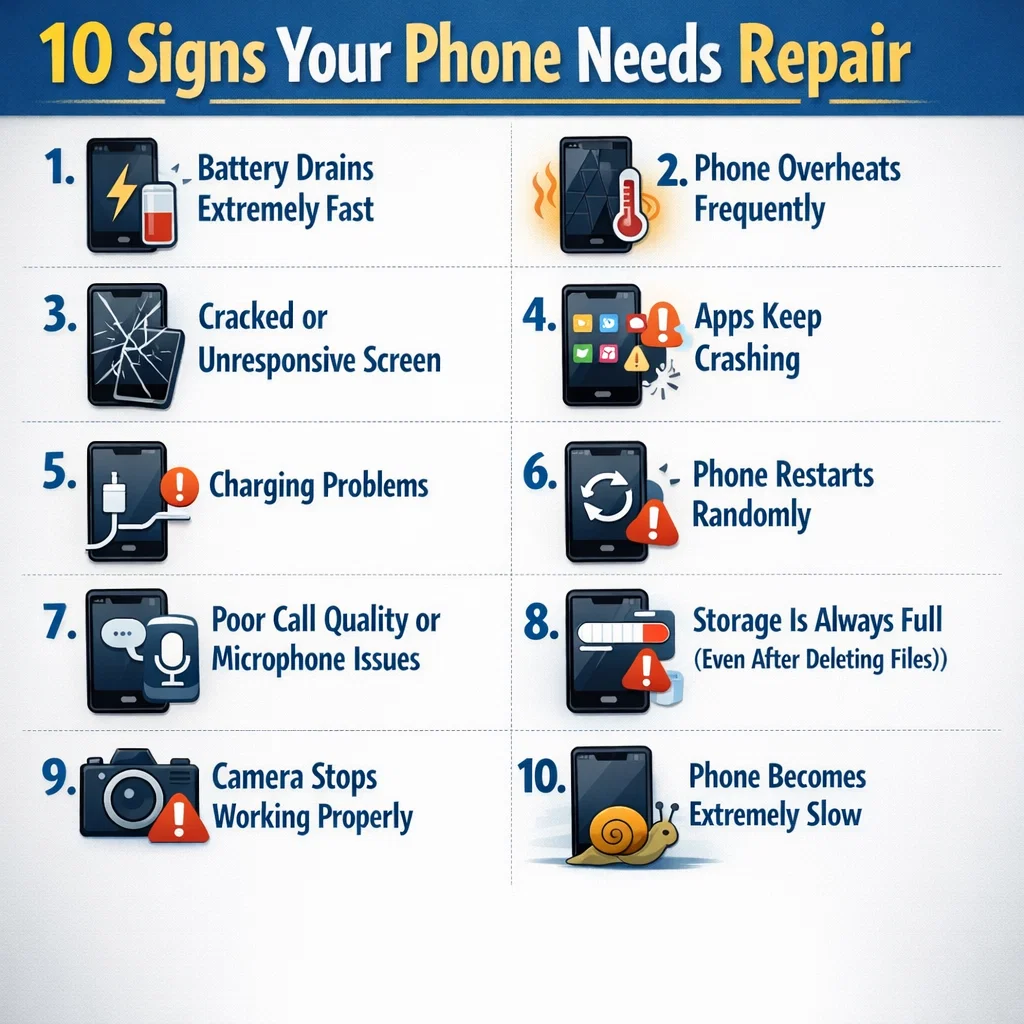
1. Battery Drains Extremely Fast
One of the most common warning signs is rapid battery drain.
If your phone battery drops from 100% to 30% within a few hours, the battery may be deteriorating.
Common Causes
- Aging lithium battery
- Faulty charging circuit
- Background apps consuming power
- Overheating
What You Should Do
First, check battery usage in your settings. However, if the issue persists, a battery replacement is often the best solution.
Professional technicians at Creative IT Mullingar can test your battery health and replace it safely.
2. Phone Overheats Frequently
Phones naturally warm up during heavy use. However, constant overheating is a serious warning sign.
If your phone becomes hot while charging, browsing, or even when idle, internal components may be failing.
Possible reasons include:
- Battery damage
- Faulty motherboard
- Malware or rogue apps
- Charging port issues
Because overheating can damage multiple components, it is important to get the device inspected quickly.
3. Cracked or Unresponsive Screen
A cracked screen is not only a cosmetic issue. In many cases, it can cause touch sensitivity problems.
Signs of screen failure include:
- Delayed touch response
- Dead spots on the screen
- Flickering display
- Random screen taps
Risks of Ignoring Screen Damage
| Problem | Result |
|---|---|
| Cracked glass | Risk of further internal damage |
| Touch sensor failure | Phone becomes unusable |
| Moisture entry | Internal components may corrode |
Therefore, replacing the screen early prevents more expensive repairs later.
4. Apps Keep Crashing
If apps constantly crash or freeze, the issue might not be software alone.
Possible causes include:
- Corrupted system files
- Storage failure
- RAM problems
- Malware infection
Although restarting the phone may temporarily fix the issue, frequent crashes usually indicate hardware or system-level faults.
5. Charging Problems
Another common warning sign is difficulty charging your phone.
You may notice:
- Charger only works at certain angles
- Phone charges very slowly
- Charging stops randomly
These issues usually occur due to:
- Damaged charging port
- Dust or debris buildup
- Faulty charging IC
- Worn charging cable
A professional cleaning or port replacement can resolve this quickly.
6. Phone Restarts Randomly
Unexpected restarts can signal deeper internal problems.
For example, your phone might:
- Restart during calls
- Power off while using apps
- Reboot multiple times a day
This could indicate:
- Battery failure
- System corruption
- Motherboard damage
Because this problem can worsen quickly, it is best to get a diagnostic check.
7. Poor Call Quality or Microphone Issues
Communication problems often indicate hardware faults.
Common symptoms include:
- People cannot hear you clearly
- Microphone cuts out during calls
- Speaker sounds distorted
Possible causes:
- Water damage
- Microphone component failure
- Software glitches
Repair technicians can test and replace faulty audio components.
8. Storage Is Always Full (Even After Deleting Files)
Sometimes phones report storage full errors even after deleting apps or photos.
This may happen due to:
- Corrupted storage sectors
- System file issues
- Hidden app data accumulation
A professional repair service can diagnose storage issues and recover valuable space.
9. Camera Stops Working Properly
Your phone camera may develop problems such as:
- Blurry photos
- Camera app crashing
- Black screen when opening camera
- Focus not working
In many cases, the camera module becomes damaged due to drops or internal hardware failure.
Fortunately, replacing the camera component is usually quick and affordable.
10. Phone Becomes Extremely Slow
Finally, significant performance slowdowns can indicate deeper issues.
While older devices naturally slow down, sudden performance drops are often caused by:
- Failing storage chips
- Malware infections
- Background processes
- Hardware wear
If your phone takes several seconds to open apps or frequently freezes, it may require a system repair or hardware check.
Quick Warning Signs Checklist For Phones
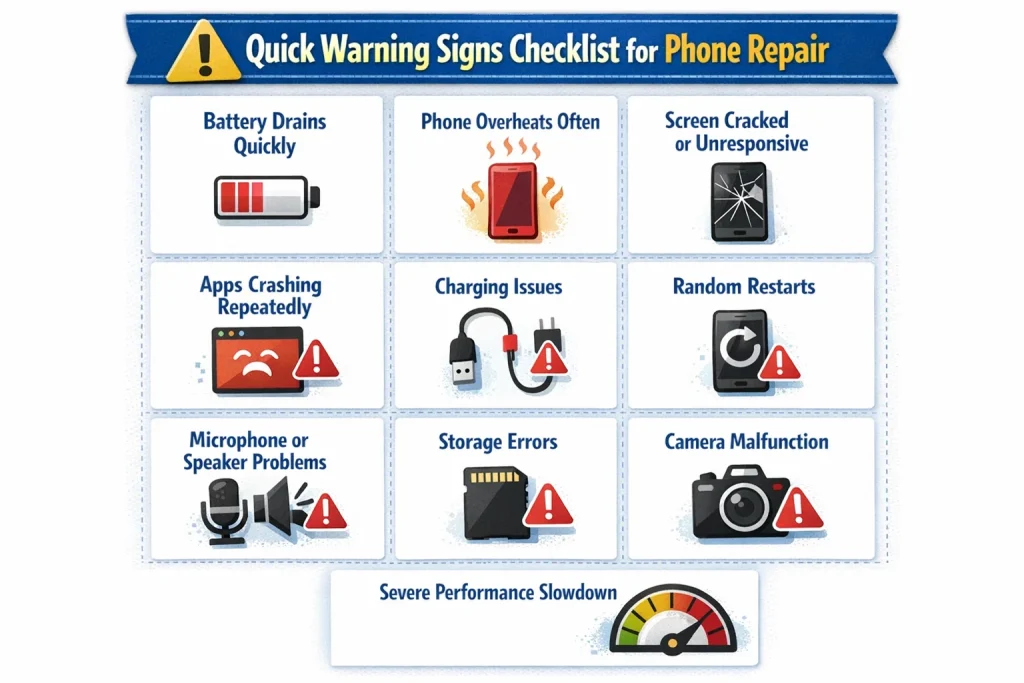
Here is a quick summary of signs your phone needs repair immediately:
- Battery drains quickly
- Phone overheats often
- Screen cracked or unresponsive
- Apps crashing repeatedly
- Charging issues
- Random restarts
- Microphone or speaker problems
- Storage errors
- Camera malfunction
- Severe performance slowdown
If you experience two or more of these symptoms, your phone likely requires professional repair.
When to Repair vs Replace Your Phone
Many users wonder whether repairing a phone is worth it. In most cases, repairs are significantly cheaper than buying a new device.
| Situation | Best Option |
|---|---|
| Screen damage | Repair |
| Battery problems | Replace battery |
| Charging port issue | Repair |
| Minor performance issues | Software repair |
| Severe motherboard damage | Consider replacement |
A professional diagnostic test can help determine the most cost-effective solution.
Professional Phone Repairs in Mullingar, Ireland
If your device shows any of these warning signs, getting professional help quickly is important.
Creative IT Ireland, based in Mullingar, offers expert diagnostics and repair services for a wide range of smartphones and tablets.
Services include:
- Phone screen replacement Mullingar
- Battery replacement Mullingar
- Charging port repair
- Water damage diagnostics
- Software troubleshooting
- Data recovery support
Their experienced technicians use high-quality parts and professional tools to restore devices efficiently.
For customers across Mullingar and Westmeath, Creative IT provides reliable local repair services that help extend the life of your phone.
Final Thoughts
Your phone usually gives warning signs before it stops working completely. Therefore, recognizing these symptoms early can prevent serious damage and costly replacements.
If you notice issues like battery drain, overheating, charging problems, or slow performance, do not ignore them.
Instead, seek professional diagnostics from a trusted repair specialist such as Creative IT in Mullingar, Ireland. Quick repairs can restore your device, protect your data, and keep your phone running smoothly for years.
Explore : Repair Services by Creative IT
FAQ’s
If your phone overheats, drains battery quickly, restarts randomly, or has screen and charging issues, it likely needs professional repair.
Yes. In many cases, replacing components like the battery, screen, or charging port is far cheaper than buying a new phone.
You can visit Creative IT in Mullingar, Ireland for professional phone diagnostics, repairs, and expert support for various smartphone issues.